
Introduction: Your Fast Track to the Best Games in Pakistan
Welcome to Apkgamic.com.pk, the most trusted place to find new and high-paying games to download in Pakistan. We know you want to start playing as fast as possible. That is why we have made this simple guide. If you follow these steps, you can download any game safely and start playing in just a few minutes.
Many users in Pakistan use mobile phones for gaming. Whether you use EasyPaisa, JazzCash, or just play for fun, getting the app correctly onto your phone is the first step to success. This guide will show you exactly how to do it.
Step 1: Find Your Favorite Game on Our Website
The first thing you need to do is find the game you want. We have hundreds of games listed on our site.
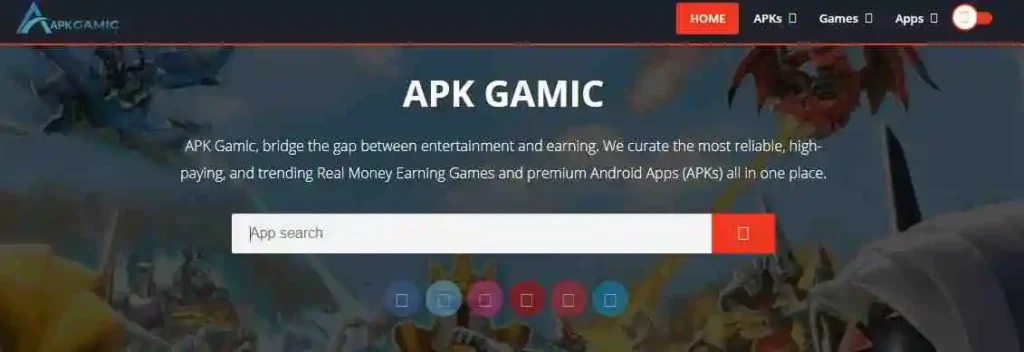
- Use the Search Bar: Look at the top right or center of our website. You will see a small box that says “Search.”
- Type the Name: Type the name of the game you are looking for (for example, “Crash Game” or “Lucky Slot”).
- Press Enter: Click the search icon. You will see a list of games. Click on the image or the title of the game that you want to download.
Step 2: Go to the Game Download Page
Once you are on the game review page, you will see a lot of information about the game.
- Find the Big Button: Look for a large, bright button that says “Download Now.”
- Click it: When you click this button, our website will take you to the official game download area. This is a special page made to keep your phone safe from viruses.
Step 3: Choose Your Action (Login or Download)
At the top of the new page, you will usually see two main options.
- Login: This is for people who already have an account.
- Download: This is for new players who want to get the app.
- Your Action: Click on the Download button. This will tell the server that you want the file on your phone.

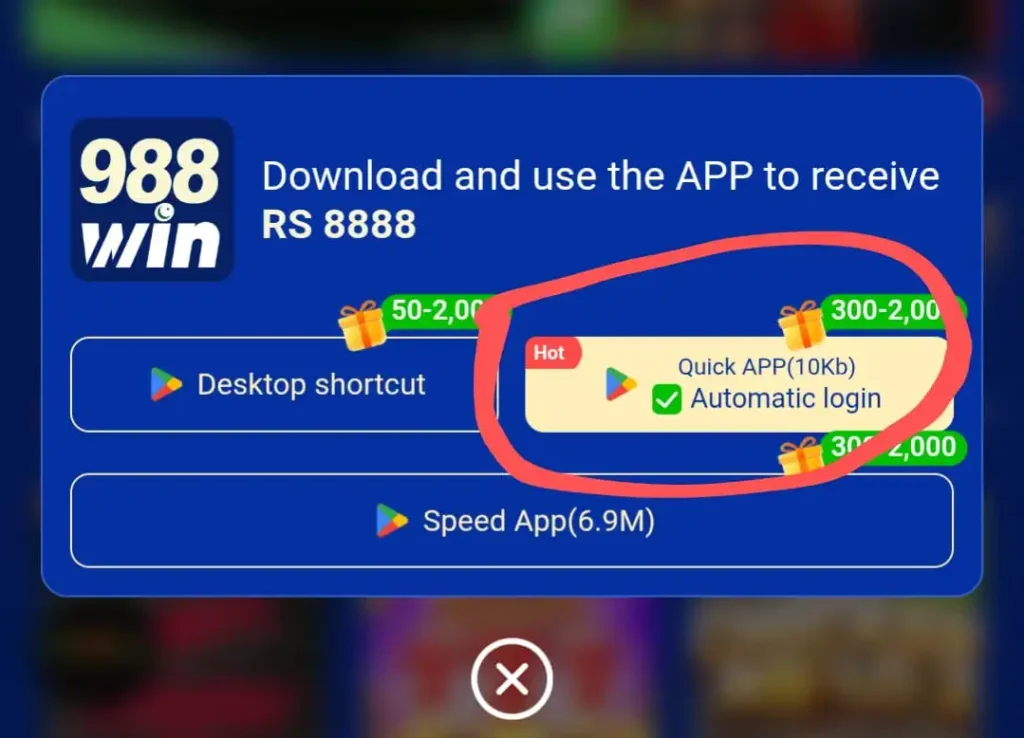
Step 4: Select “Quick Download”
Sometimes, you might see different ways to download.
- Quick Download: We always recommend the “Quick Download” option. It is the fastest way and uses the least amount of mobile data.
- Wait for it: Once you click “Quick Download,” you will see a small bar at the bottom of your browser showing the progress. Please wait until it reaches 100%.
Step 5: Enable “Unknown Resources” (Very Important)
Because you are downloading an APK file directly and not from the Play Store, your Android phone might show a message like: “Install blocked” or “For your security, your phone is not allowed to install unknown apps.” Do not worry! This is a standard security message for all APK files in Pakistan. Here is how to fix it:
- Go to Settings: Open your phone’s main Settings menu.
- Find Security: Scroll down until you see “Security” or “Privacy.”
- Special App Access: On newer phones, look for “Special App Access” or “Apps & Notifications.”
- Install Unknown Apps: Tap on the option that says “Install unknown apps.”
- Allow your Browser: Find your browser (like Google Chrome) in the list and turn the switch to ON. Now your phone is ready to install the game!
Step 6: Install the Game
Once the download is finished and your settings are ready:
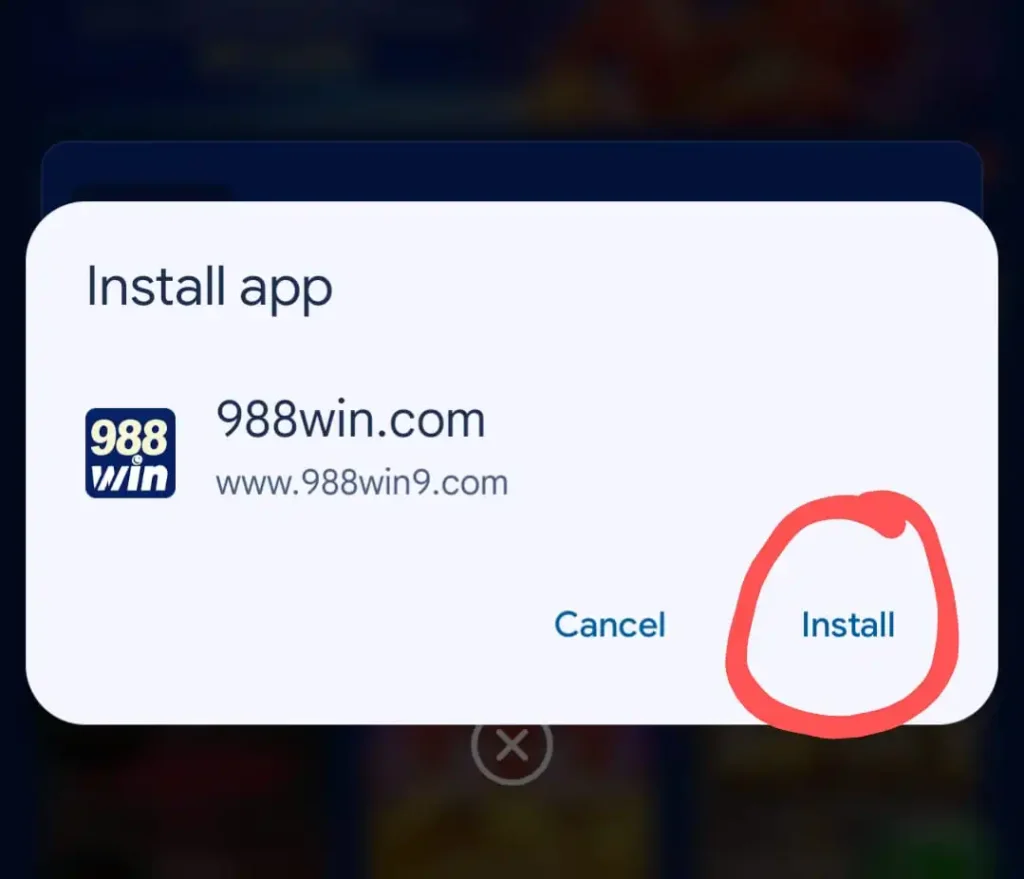
- Open the File: Swipe down from the top of your screen to see your notifications. Click on the file you just downloaded.
- Click Install: A box will pop up asking if you want to install this application. Click the Install button at the bottom right.
- Wait 10 Seconds: Your phone will now copy the game files into your system.
Step 7: Open and Start Playing
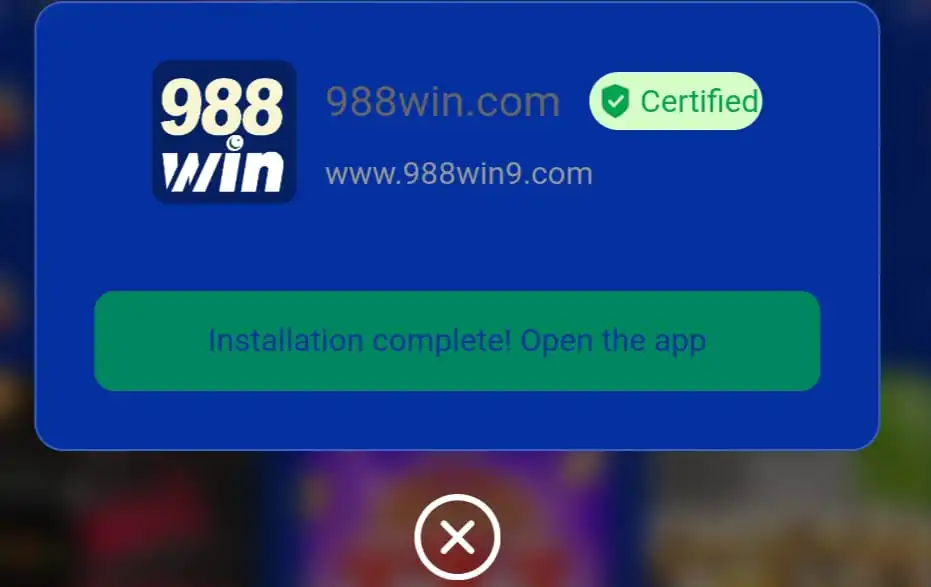
After the installation is finished, you will see two buttons: “Done” and “Open.”
- Click Open: This will launch the game for the first time.
- Grant Permissions: If the game asks for permission to access your storage or notifications, click “Allow.” This is necessary for the game to save your progress and your wins.
- Log In: Now you can create a new account or log in to your old one and start enjoying the latest games!
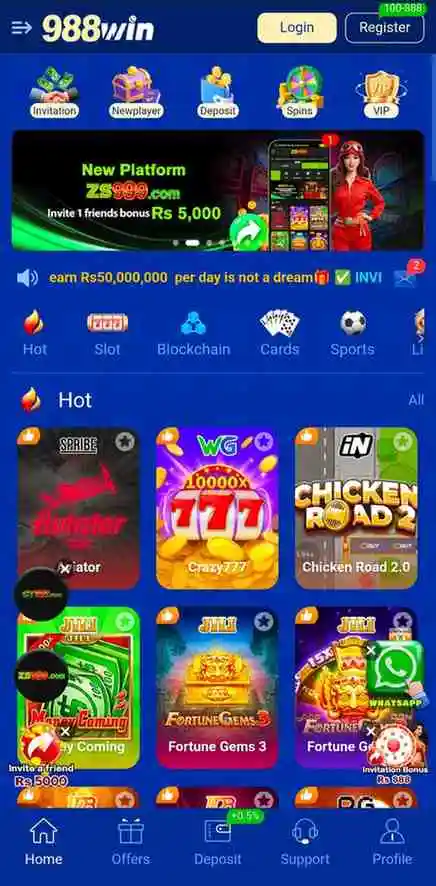
Why Download from Apkgamic.com.pk?
We are the #1 source for games in Pakistan because we prioritize your safety.
- Tested Files: Every APK on our site is tested by our team.
- Safe Links: We ensure that our download buttons lead to secure servers.
- Local Support: Our guides are made for Pakistani users, helping you with EasyPaisa and JazzCash-compatible apps.
- No Lag: We only provide high-speed download links.
Frequently Asked Questions (FAQ)
Yes, it is safe if you use a trusted site like Apkgamic. We check all files for viruses before posting them.
Try refreshing the page or checking your internet connection. If you are using Zong or Jazz, make sure you have an active data package.
Yes, you can play on Pc.
Conclusion: Start Your Gaming Journey Today
Downloading games should be fun, not a headache. By following these simple steps, you are now ready to explore the best and newest games available in Pakistan. Remember to always play safely and check our Responsible Gaming page to keep your habits healthy.
Happy Gaming from the Apkgamic Team!